

Remote Codex access
Keep sessions moving while you are away from the host.
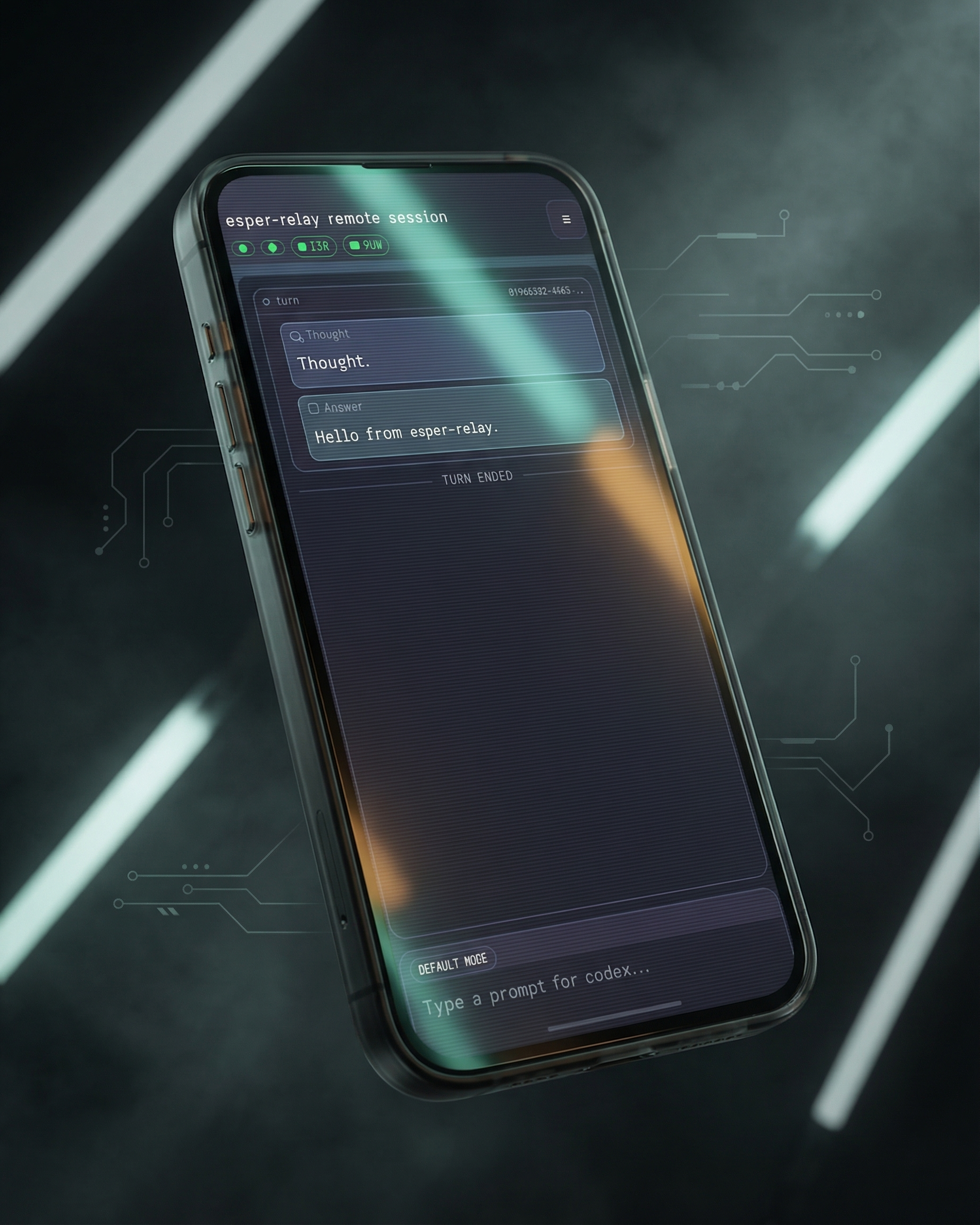
Resume threads, send prompts, respond to server requests, and handle approvals from a phone-sized screen.
Night Transit Relay
Esper Relay keeps codex app-server running on a machine you trust and exposes a touch-friendly control surface over Tailscale, so you can resume threads, send prompts, and handle approvals without opening public ports.
Why Esper Relay
Esper Relay is not a public tunnel and not a generic screen-share. It is a relay surface designed around Codex session flow on a phone.
Remote Codex access
Resume threads, send prompts, respond to server requests, and handle approvals from a phone-sized screen.
Private by default
Local access stays on your configured bind address. Remote access uses a tailnet URL when Tailscale is enabled.
Host-side supervision
Run esper-relay in daemon mode and let it keep the host-side app-server process alive.
Relay-served file links
Explicit file references are rewritten so remote users can safely request host content through the relay.
How it works
Run Esper Relay on the machine that already hosts Codex, reach it through your tailnet when you are away, and keep the session moving from your phone.
The trusted machine stays the source of truth. Esper Relay keeps codex app-server running there.
Use localhost when you are at the desk. Use the tailnet URL when you are away and still need control.
The workflow is purpose-built for Codex session flow, not a generic remote desktop squeezed into a handset.
Timeline output, approvals, interrupts, and file references stay accessible in the same mobile web surface.
Private access
The access model stays precise: local bind address when you are nearby, tailnet-only HTTPS when you are away, and ephemeral OAuth-derived nodes by default when that mode is enabled.
The local web UI stays on the host's configured bind address.
Remote access can stay tailnet-only with MagicDNS and tailnet HTTPS.
A clean stop logs out ephemeral OAuth-derived nodes instead of leaving them hanging around.
Real mobile UI
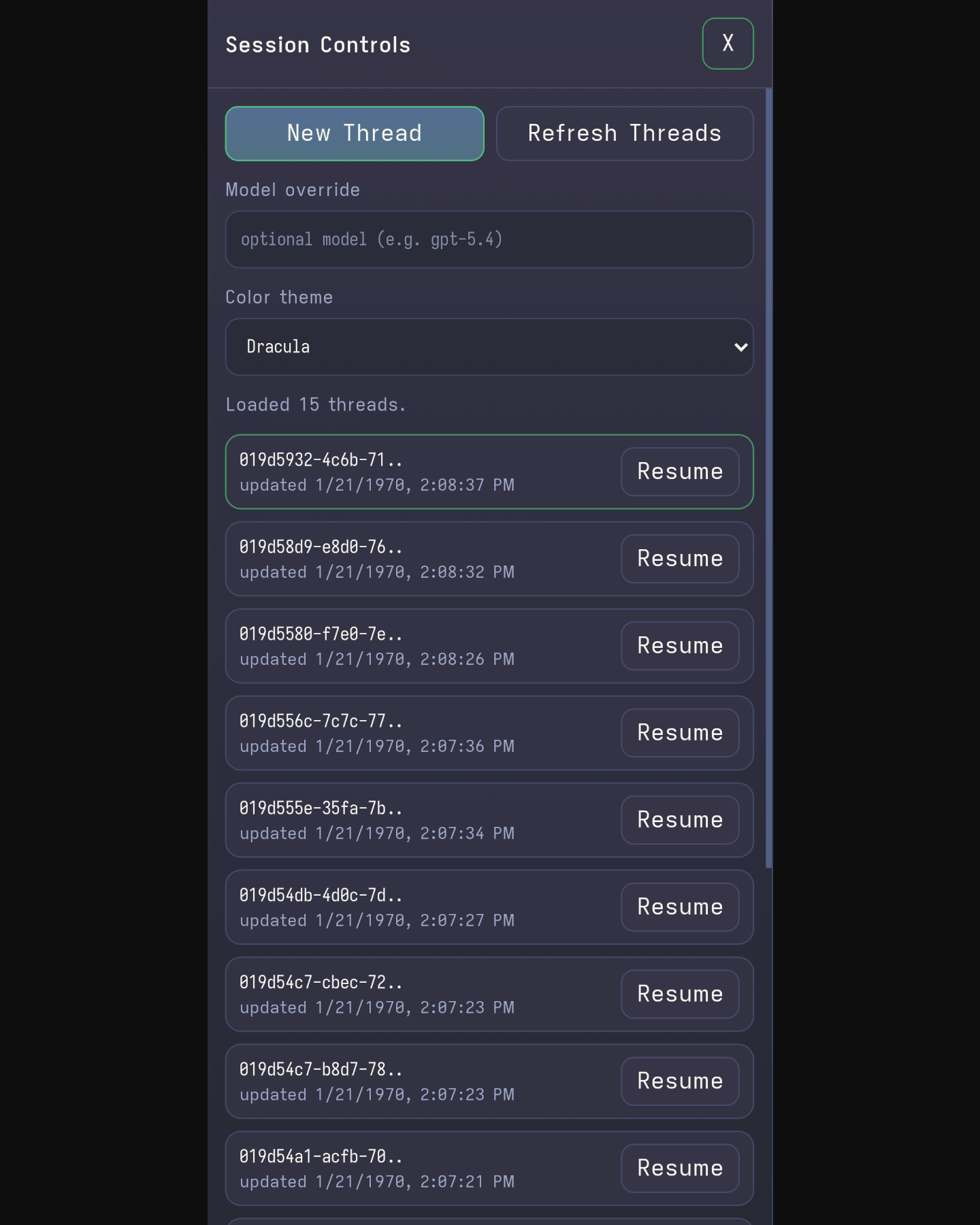
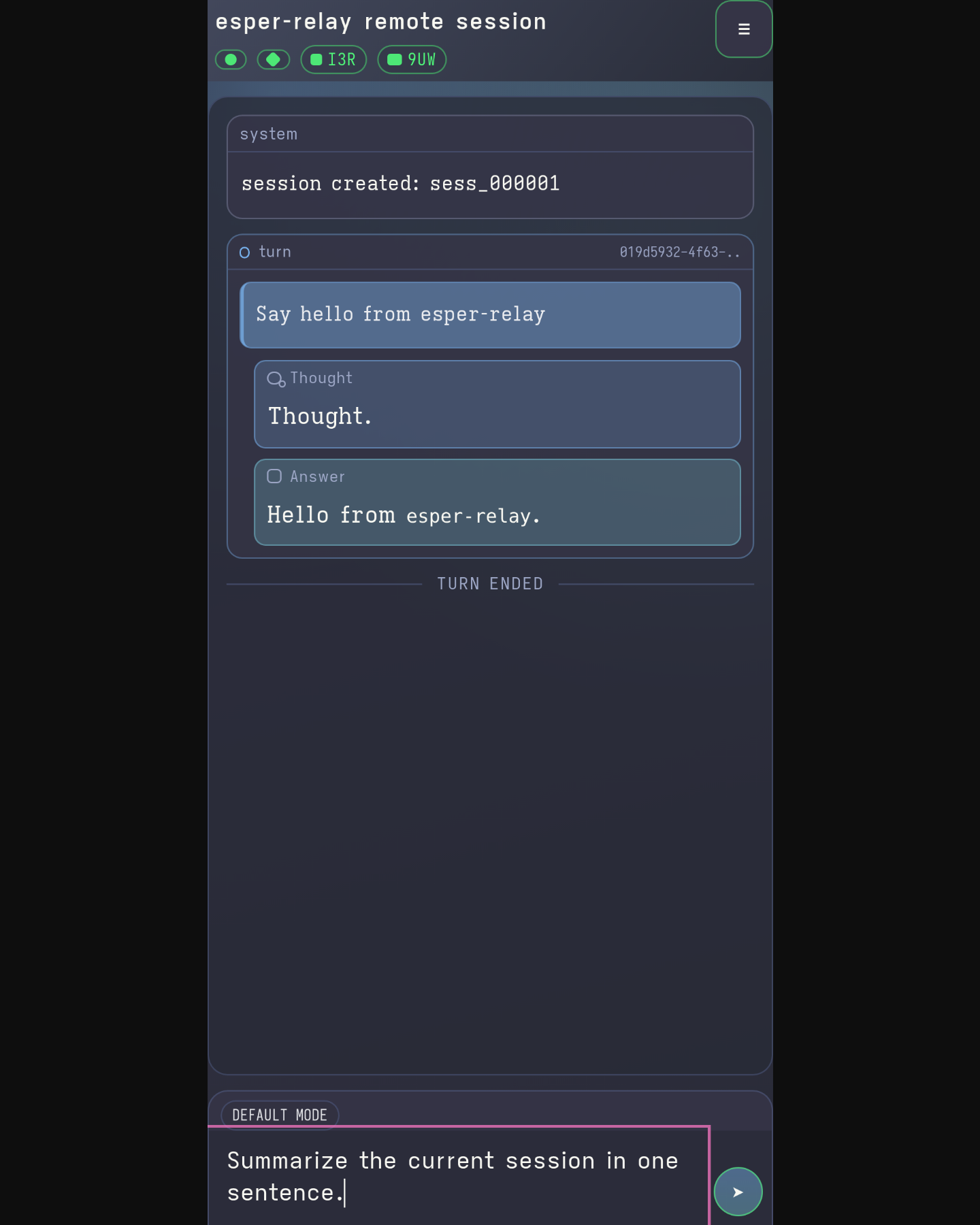
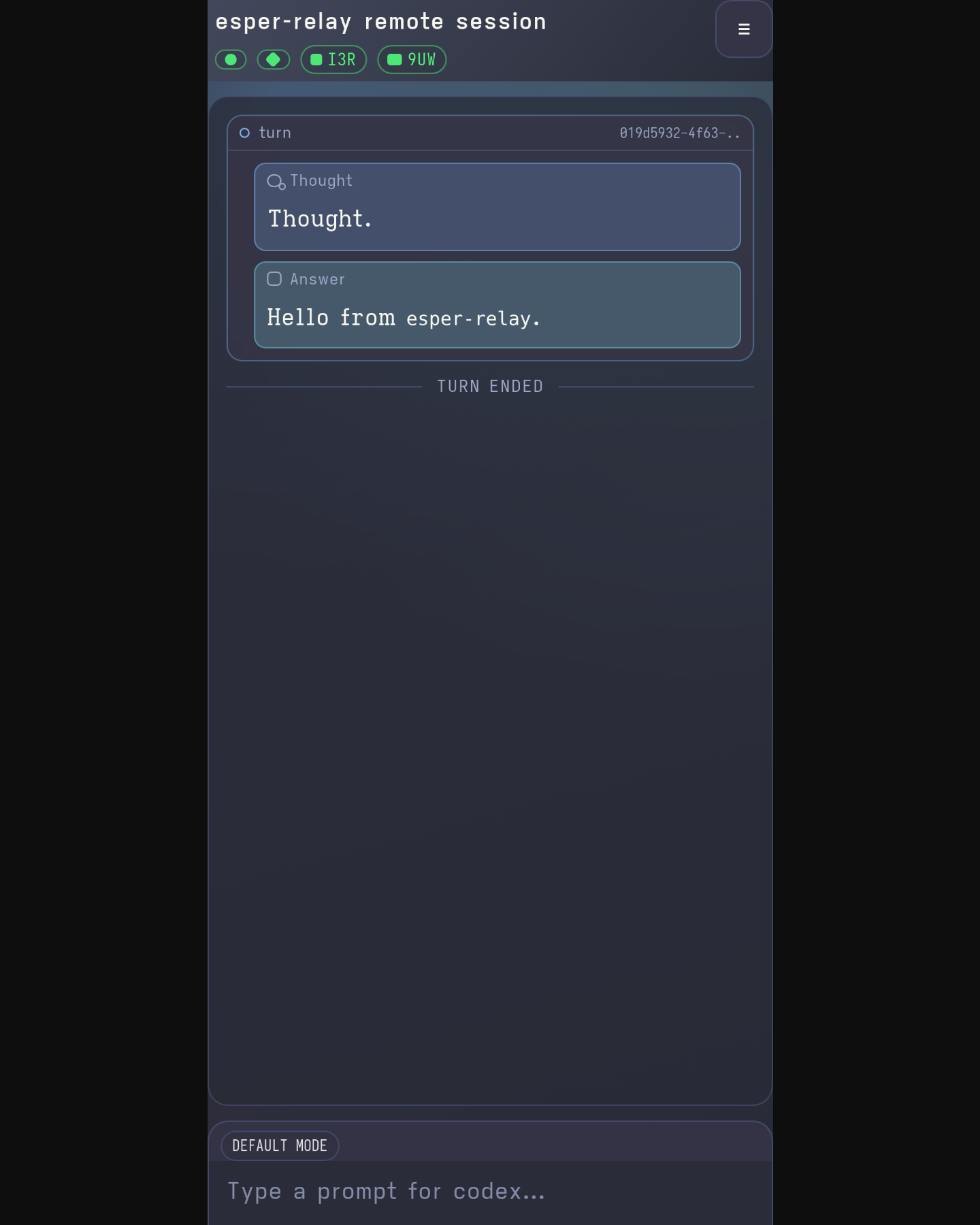
These are shipped screenshots from Esper Relay. They show the real mobile controls for prompts, approvals, and thread management.
Open source
Esper Relay is a public MIT-licensed project with readable source, crates.io installation, and downloadable builds on GitHub Releases.
cargo install esper-relayesper-relay --daemonesper-relay --stopGet started
Start locally, add Tailscale when you need remote reach, and use the same web surface from desk to phone.
cargo install esper-relay && esper-relay --daemon